Breakout video ideas, built from your channel
Upnami learns what works on your channel and channels like yours, then gives you a batch of next-video ideas more likely to take off.
Upnami is opening soon. Want to hear first? Email hello@upnami.com
What it does
Breakout video ideas
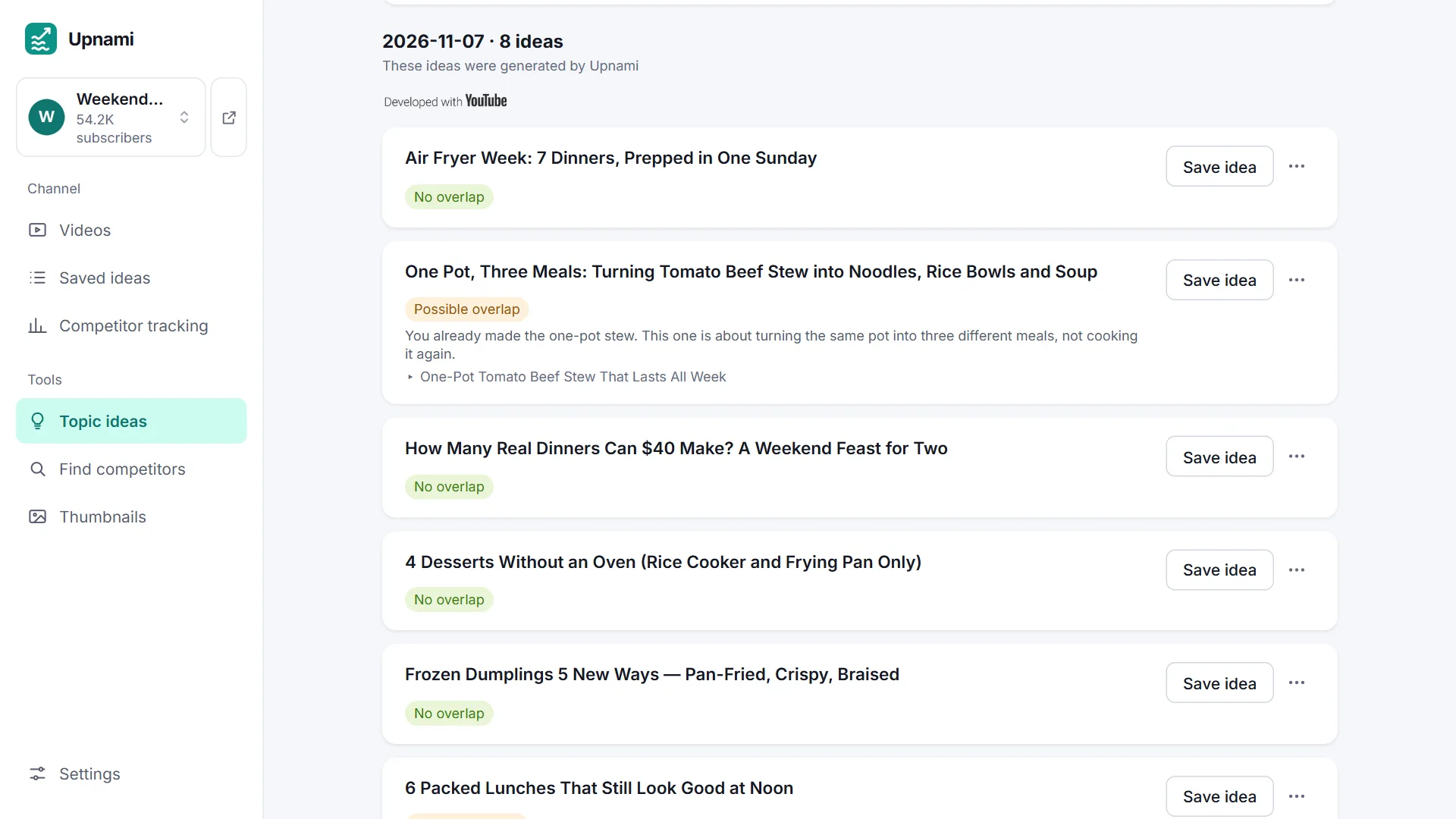
Get a batch of ideas at once. Ideas too close to your past videos get flagged; save the good ones in one click.
Watch what works in your niche
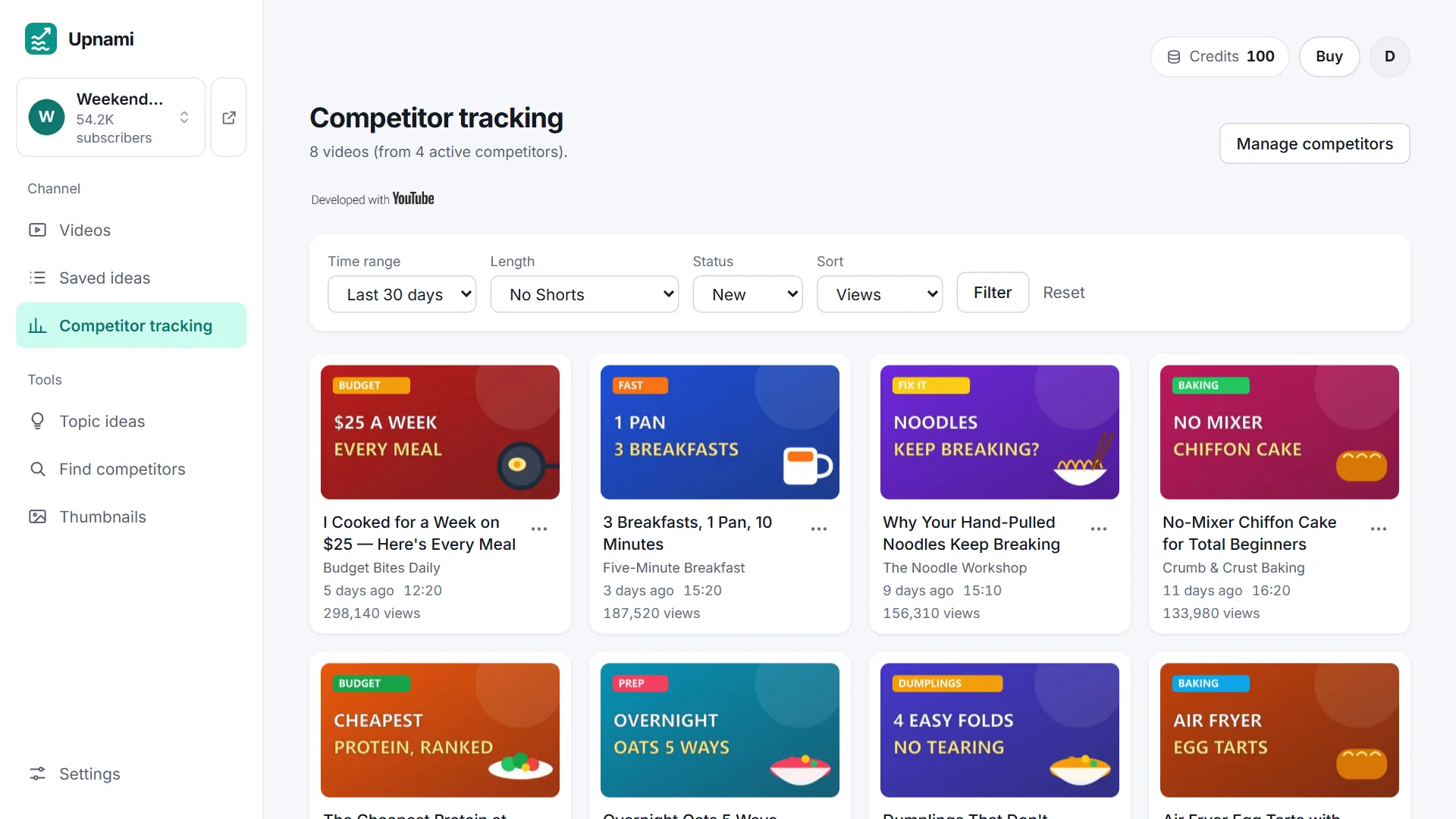
Track competitors you pick and see their best-performing recent videos. Paid plans also find strong channels in your niche for you.
Paste a link, any language
No YouTube login needed — paste your channel link and start. Works for any niche and language; ideas come back in your channel's language.
See it in action
How it works
- 1Paste your channel's @handle or link.
- 2See which of your videos really worked.
- 3Generate ideas, then make the thumbnail.
Try it on your own channel
Free to sign up, no credit card needed. Credits are only used when ideas, thumbnails or other features actually run.
Upnami is opening soon. Want to hear first? Email hello@upnami.com
FAQ
- What is Upnami?
- Upnami is a YouTube video idea generator that builds ideas from your own channel's data. It looks at your past videos and recent top performers from channels in your niche, then hands you a batch of next-video ideas more likely to take off — and can also track competitors and help you make the thumbnail.
- How is Upnami different from tools like vidIQ?
- Upnami focuses on one job: next-video ideas built from your own channel's data. Paste your channel link to start — no YouTube account authorization needed. It works for any niche and any language.
- What kinds of channels is Upnami for?
- Any niche, any language. Ideas come back written in your channel's own language.
- Do I need to connect my YouTube account?
- No. Upnami only uses YouTube's public data — your channel link is enough. You don't need to authorize or log into your YouTube account.
- Is Upnami free?
- You can start for free — no credit card needed to sign up. Verify your email and add your channel, and you'll get free credits — enough to try generating ideas and making a thumbnail. Upgrade to a paid plan whenever you're ready.
- Can I get a refund?
- Yes. First subscription payments and top-ups can be fully refunded within 14 days, no questions asked. Renewals aren't refundable. See our refund policy for details.
- What languages does Upnami support?
- The interface is available in English and Simplified Chinese. Ideas aren't limited by language — they come back in your channel's own language.
- Can I edit the title Upnami generates?
- Yes. These ideas are meant to give you inspiration and direction. You can edit the title after you click “Save idea”.